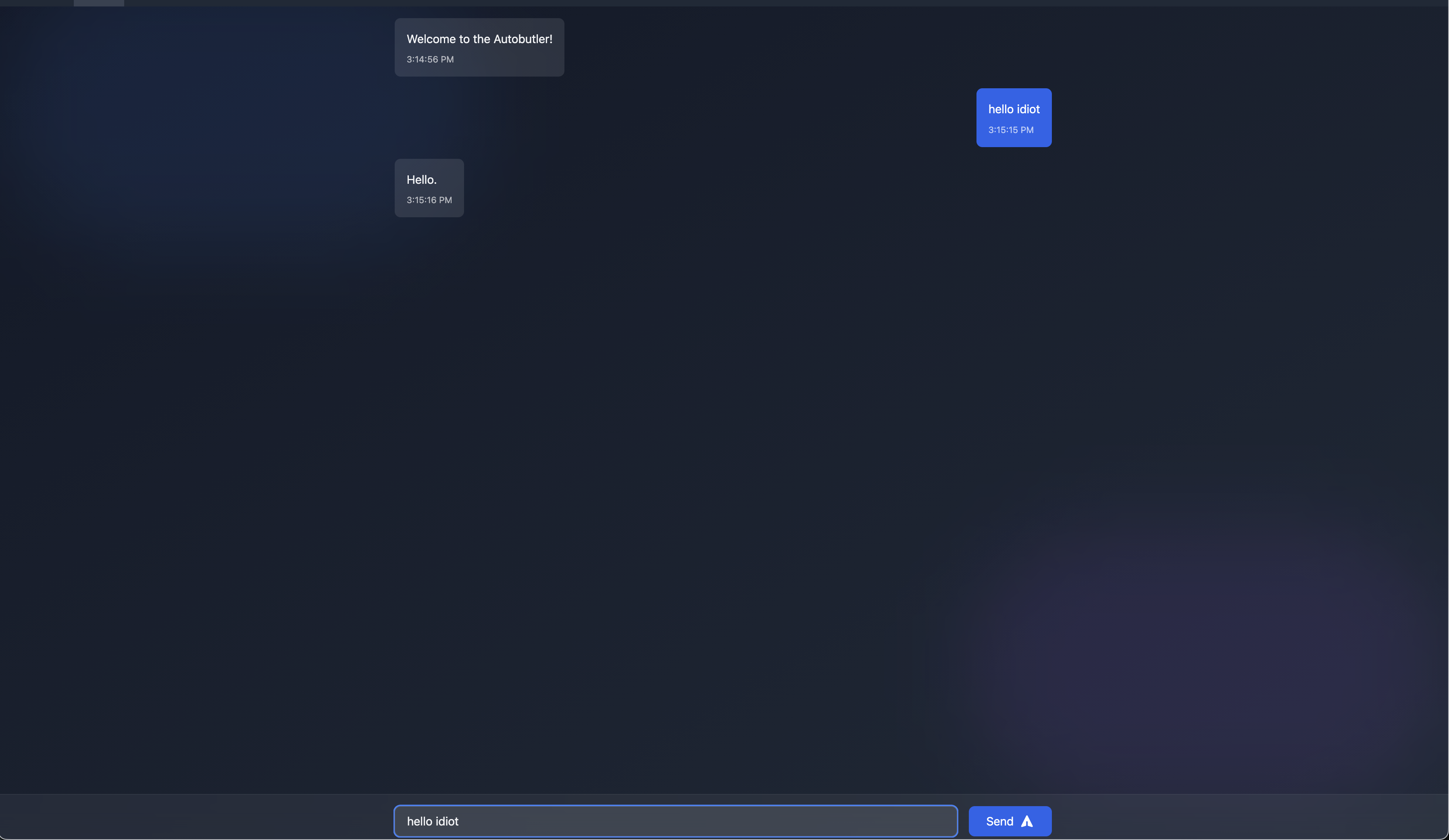
I have been working on the Autobutler project for a while now. You can read more about it at autobutler.ai.\ A hosted instance of it is available at: , and yes, that is HTTP, not HTTPS, for the time being.
I intend to track the state of development through this blog, and so I will mostly be shoving images onto this page and just whining about the current state of things, so here goes!
We have a few major features present in a few rough states
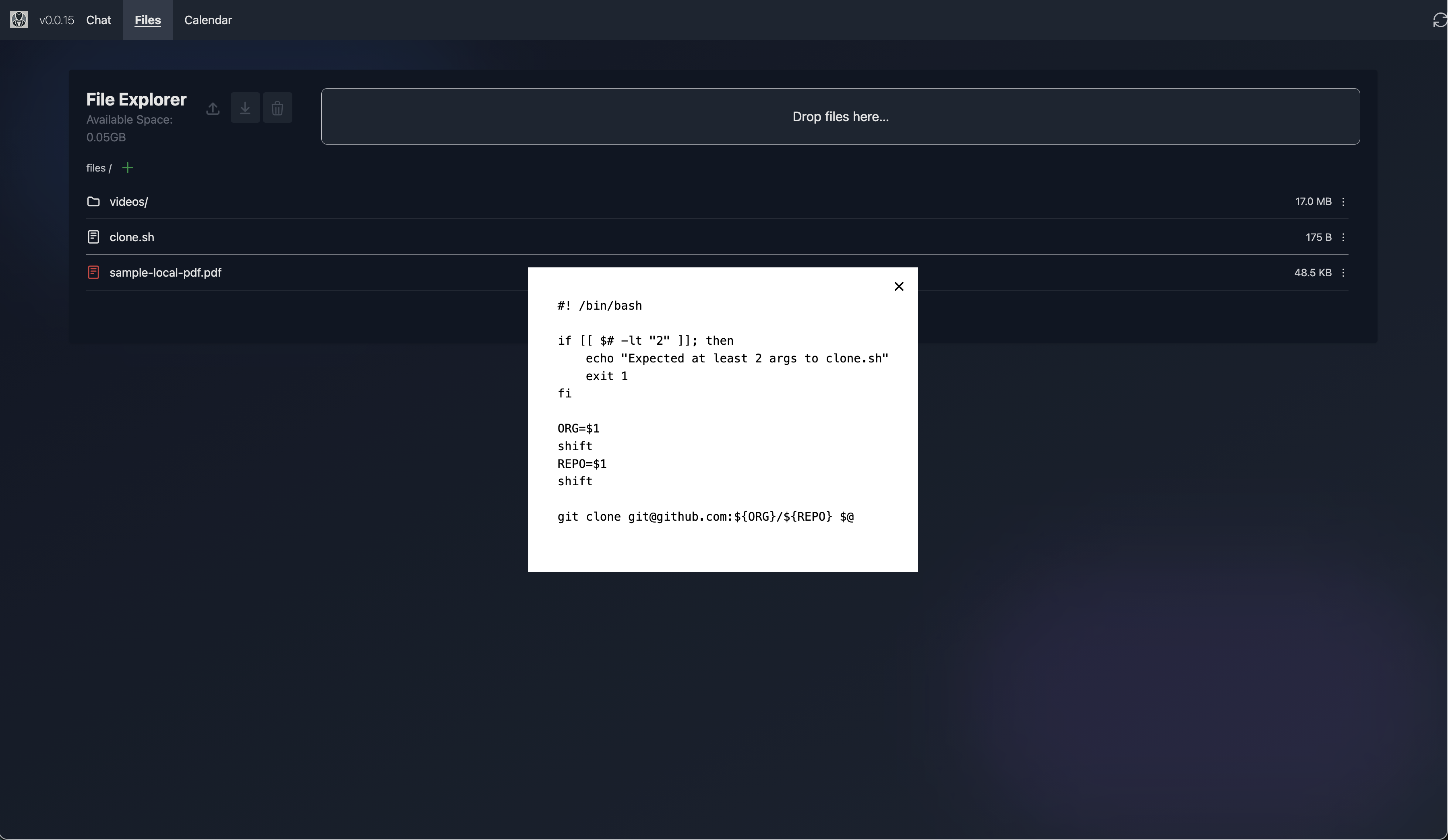
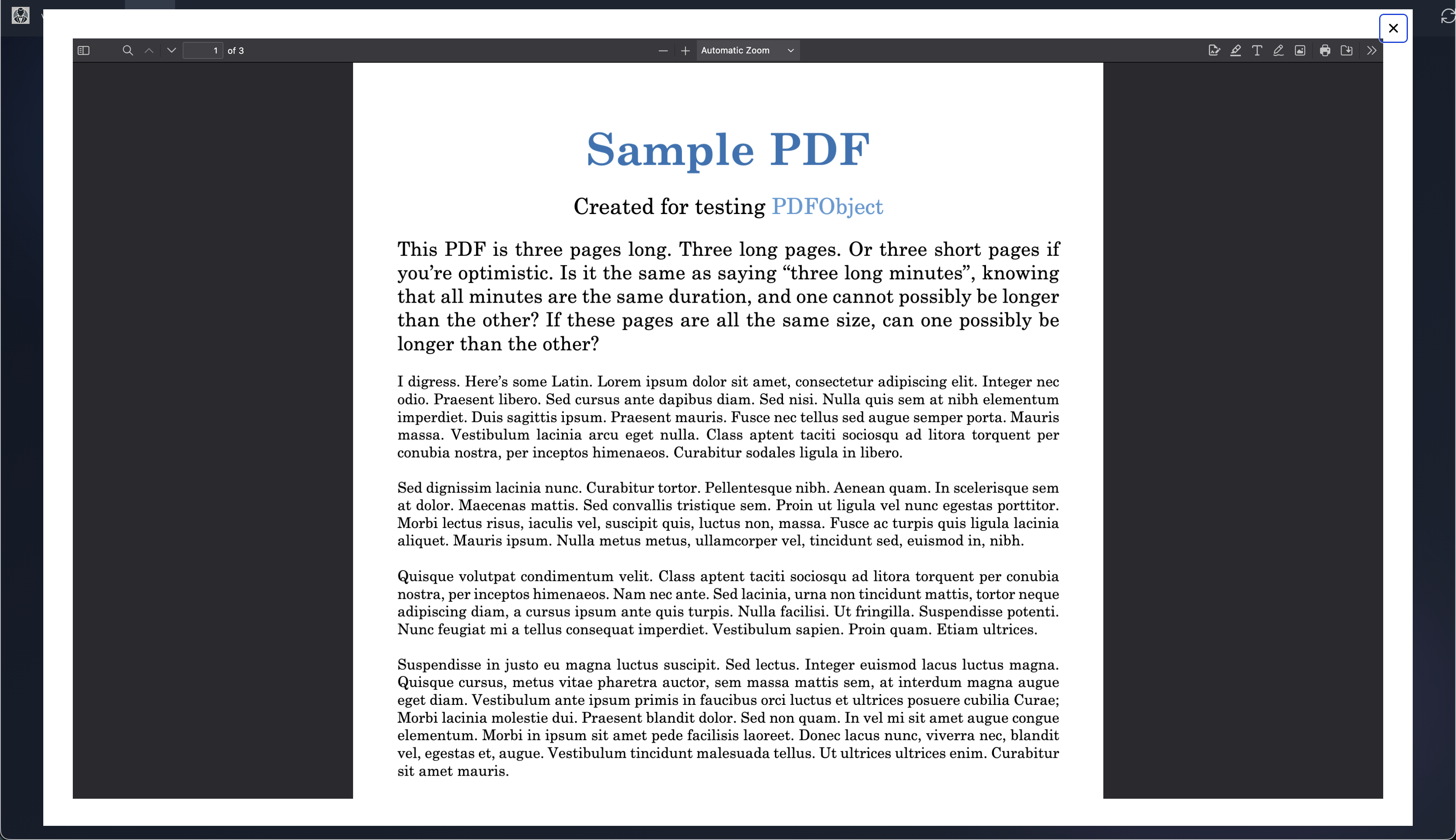
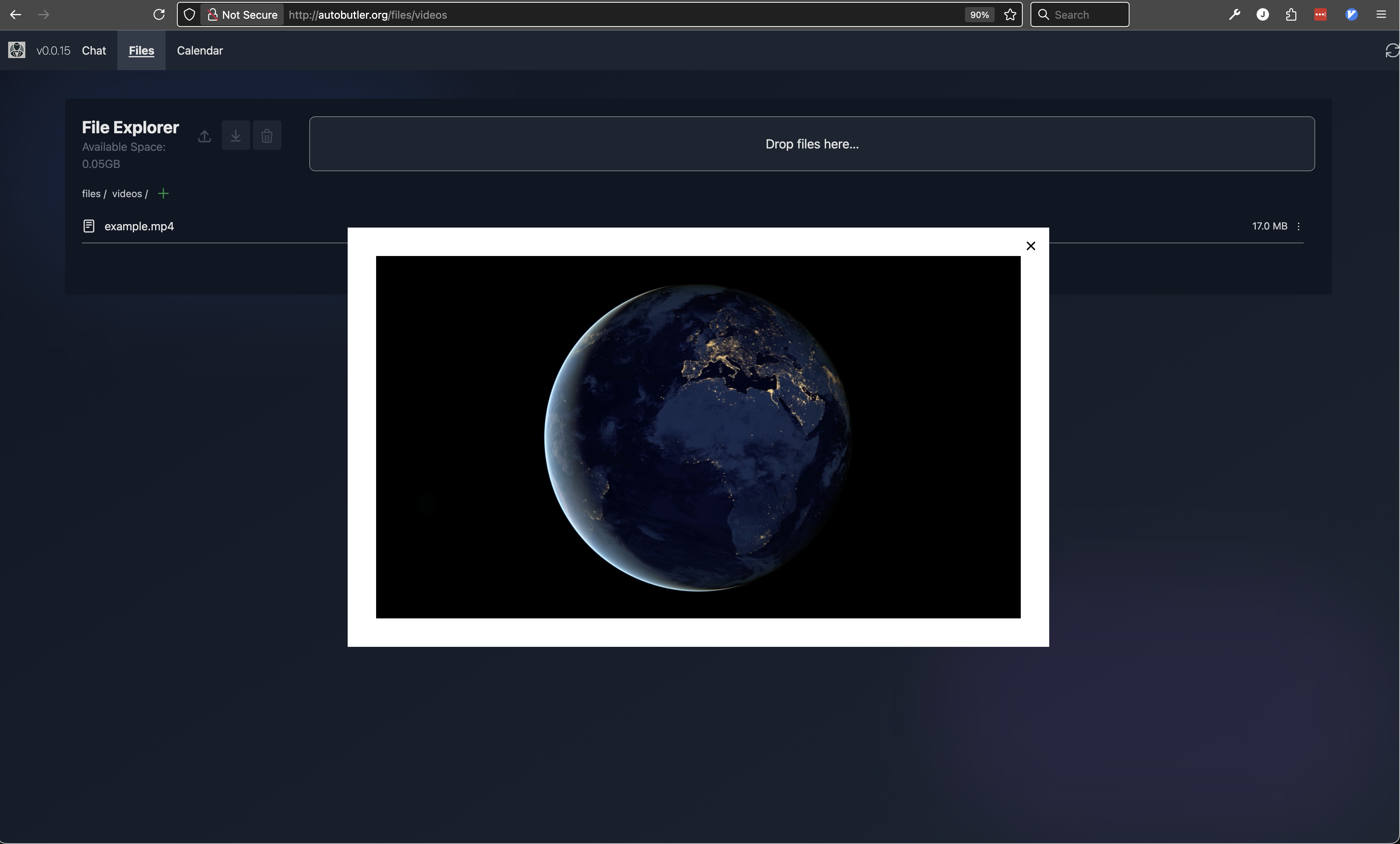
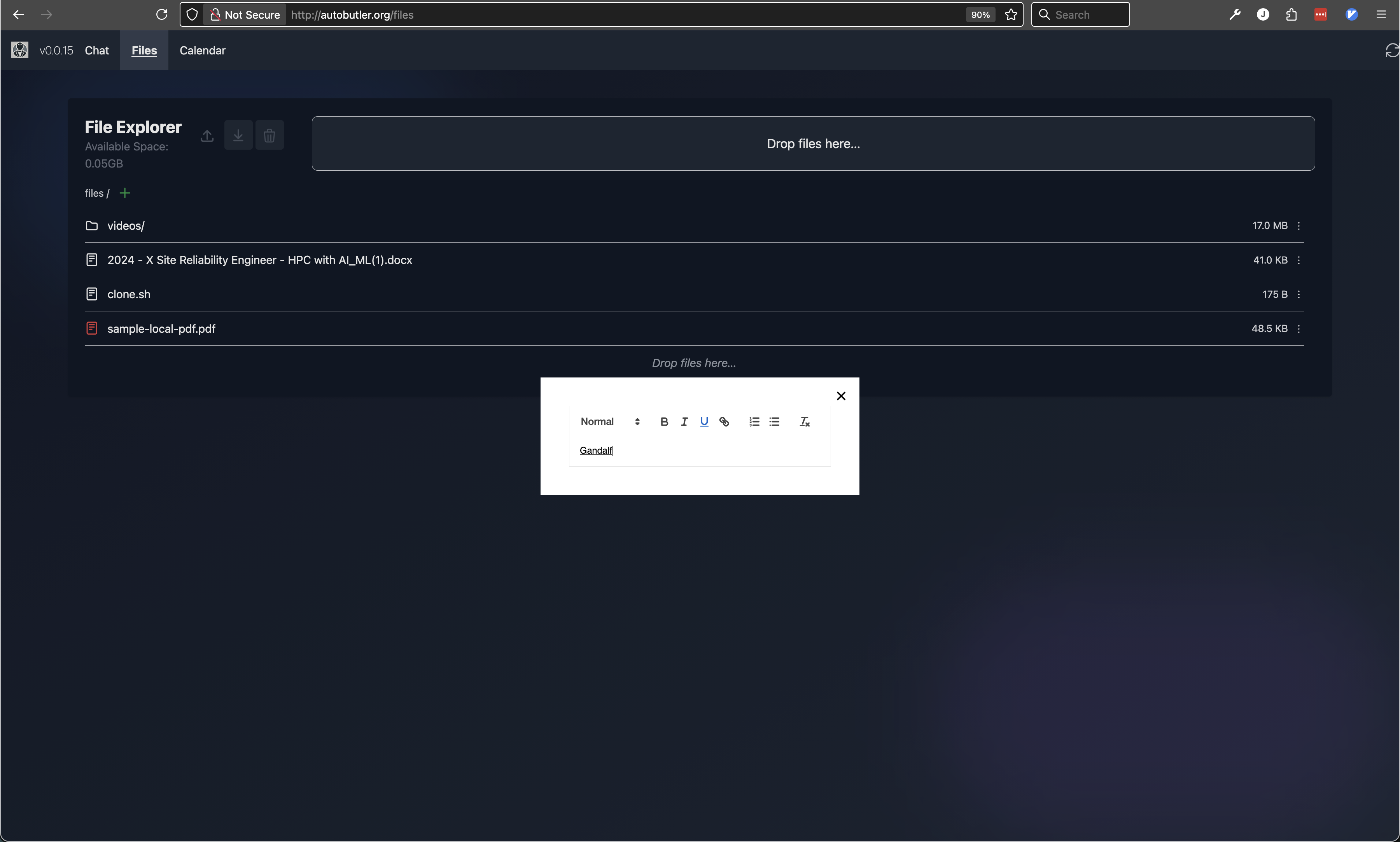
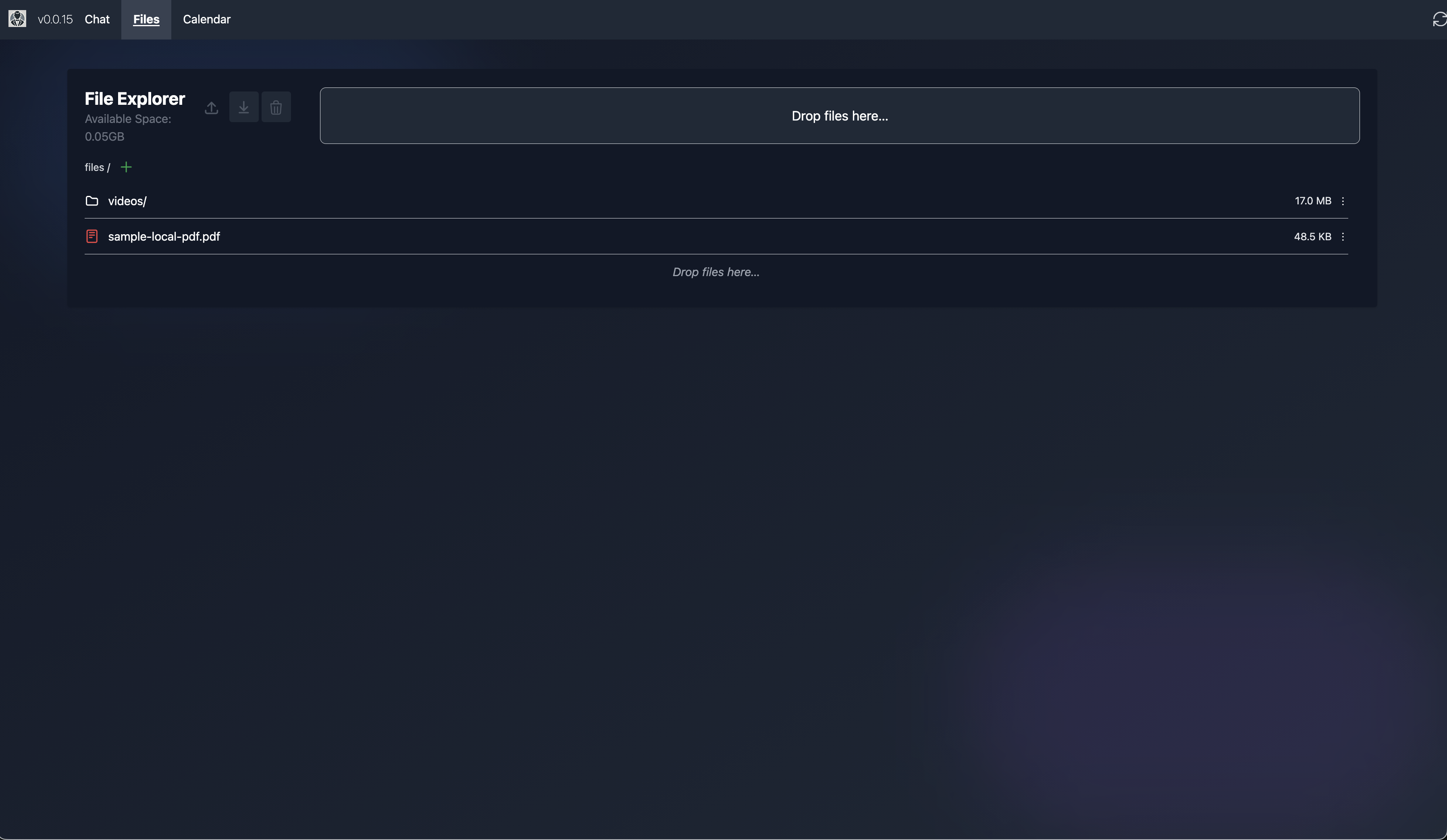 \ In Google Drive, you cannot view a lot of the most simple file types, like plaintext, JSON, XML, CSV, etc. This is incredibly dumb and frustrating, so Autobutler supports that by default as a fallback. We also already support PDF and video viewing support, and a simple docx editor is in place (with some bugs at the present moment, but that is expected with how fast I have been writing things). In Google Drive, you get shipped off to a whole new website in a different tab to work on documents, sheets, powerpoints, etc. Our intention is to keep everything embedded in the file explorer, to retain simplicity and continuity of the user's experience working with their files. If they need to focus and get more screenspace, we will support that as well, but not at the current moment.\
  \
\  \
\  \
\  \
\ \
\ 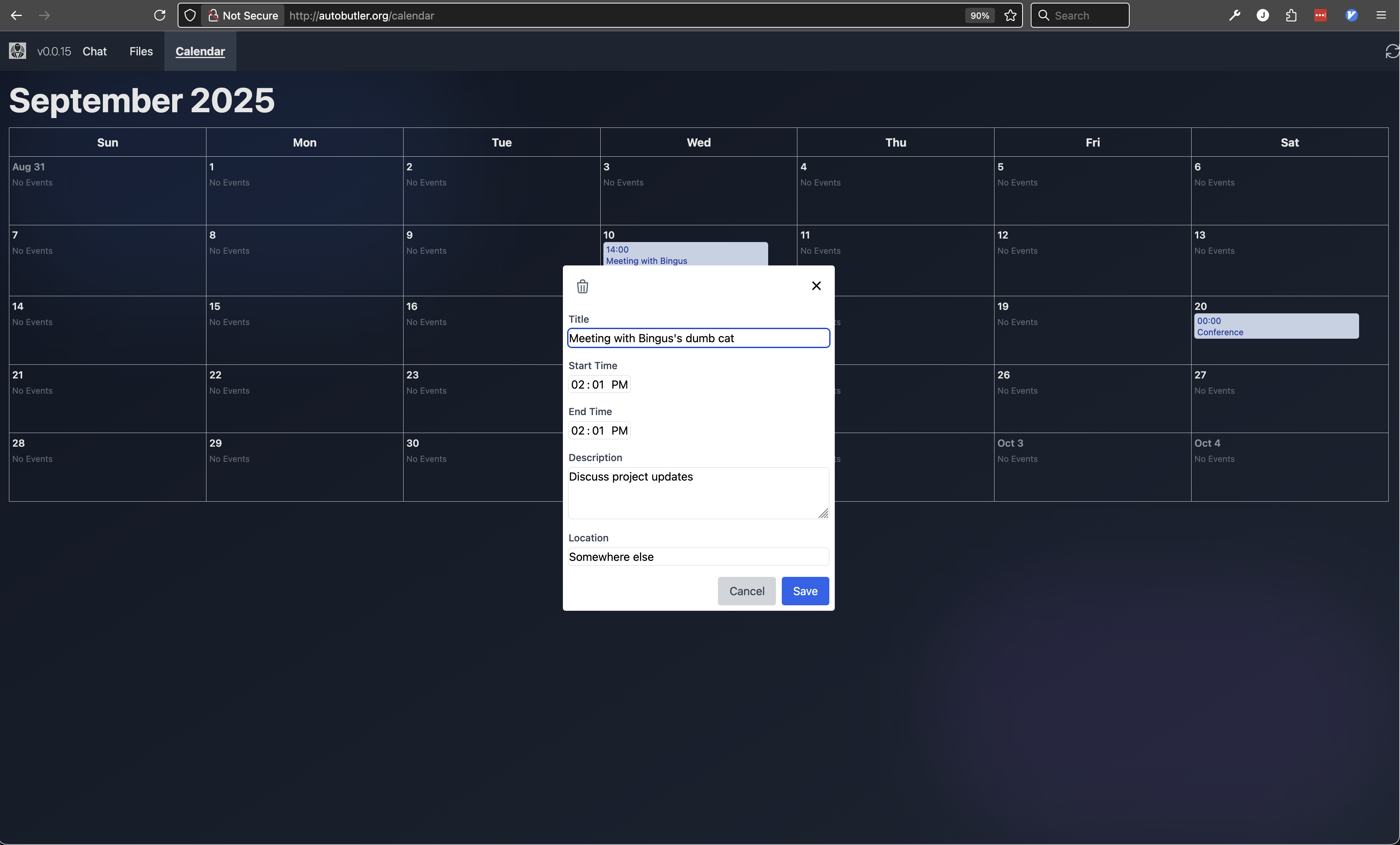
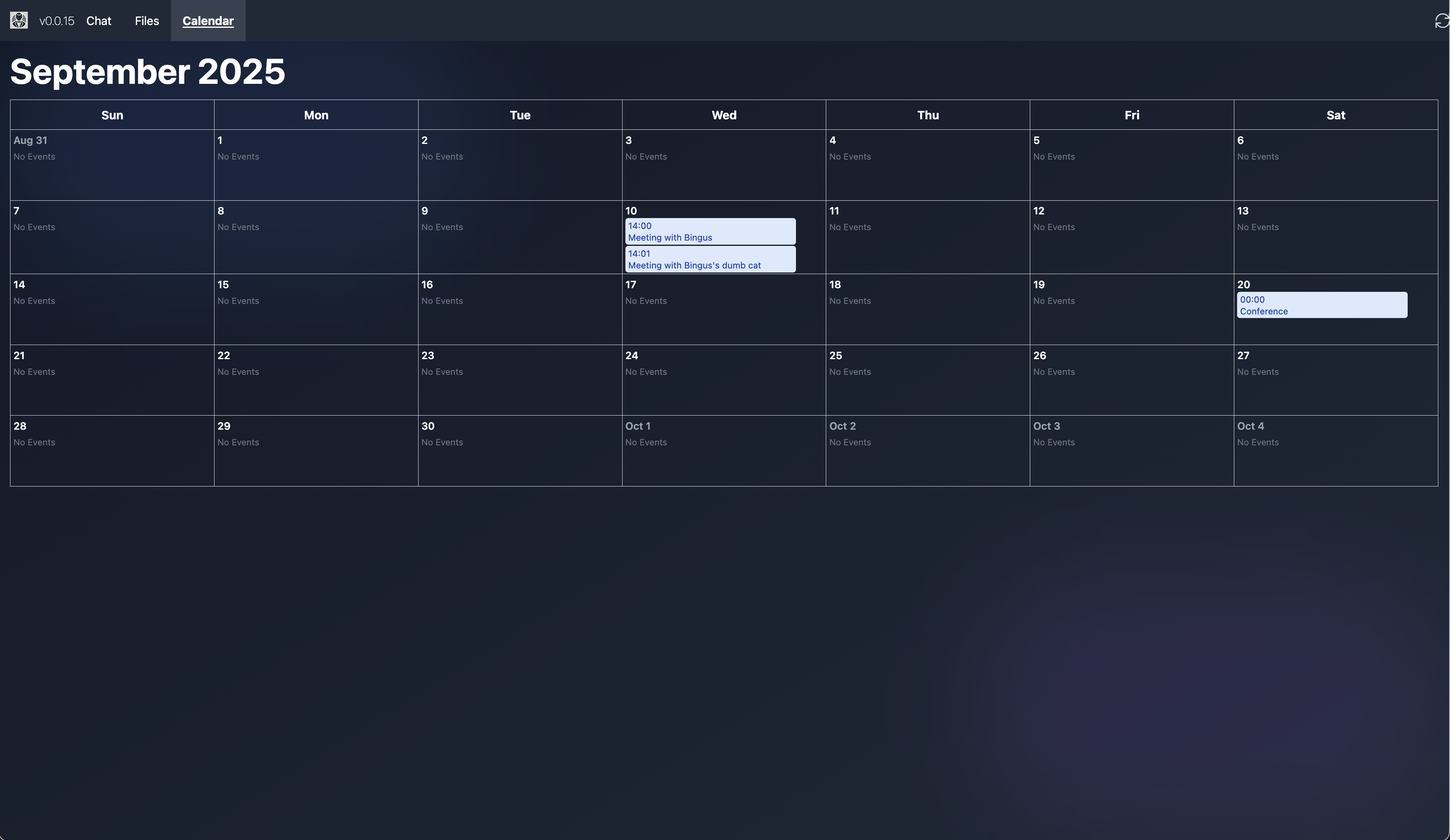
The next steps for Autobutler are to get the email system working, and then to cleanup and normalize the UI. I think it is obvious why we want the email working, as that is sort of a foundational component of a home document/office suite.\ Normalizing the UI is clear also to anyone who uses the system, as there are a few different "styles" happening right now. This is mostly the fault of using Tailwind, rather than writing my own component classes. We have been writing all of our UI code though in a componentized manner, so we should be able to fix this pretty quickly, by either tossing Tailwind for our own component classes, leaving Tailwind as strictly a rapid prototyping tool, or just going through our components in a disciplined manner and conforming them to one another. I am leaning towards the first option, as Tailwind is definitely helpful for the prototyping phase and just making it all work, but we will continue to have this inconsistency problem for as long as our CSS is not centralized and normalized. Also, we are doing Autobutler in a no-build environment, so we cannot take advantage of Tailwind's full feature set, and are just directly using their development JS and CSS library as is. We are not really utilizing the JS library as far as I can tell, so we can feasibly consider all Tailwind to be for prototyping, limiting how often we ever actually ship it to our customers.
I came to realize that we are going down the same path as DHH's Hey in some kind of way, as that is 37Signals's take on email and calendar. They also have a project called Once, where they are creating buy-once own-forever software, again, similar to what we are doing with Autobutler. I have a lot of respect for DHH and his work, so I find it funny that we are sort of converging on the same ideas independently, and it would be quite a thrill if we ended up collaborating, or competing, in the future.